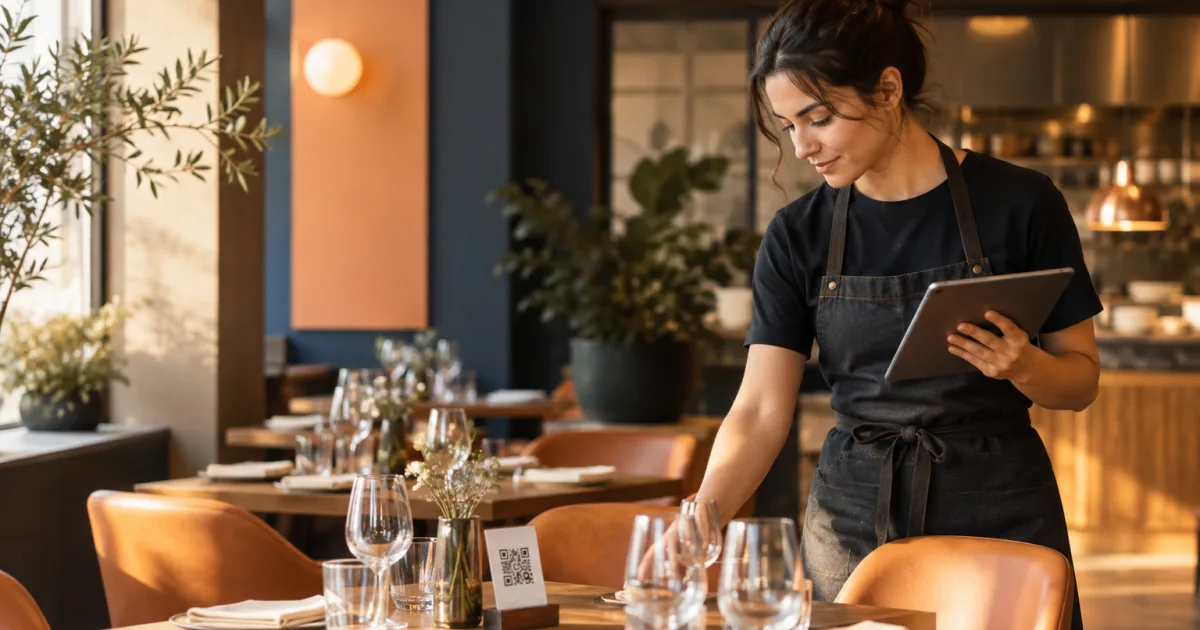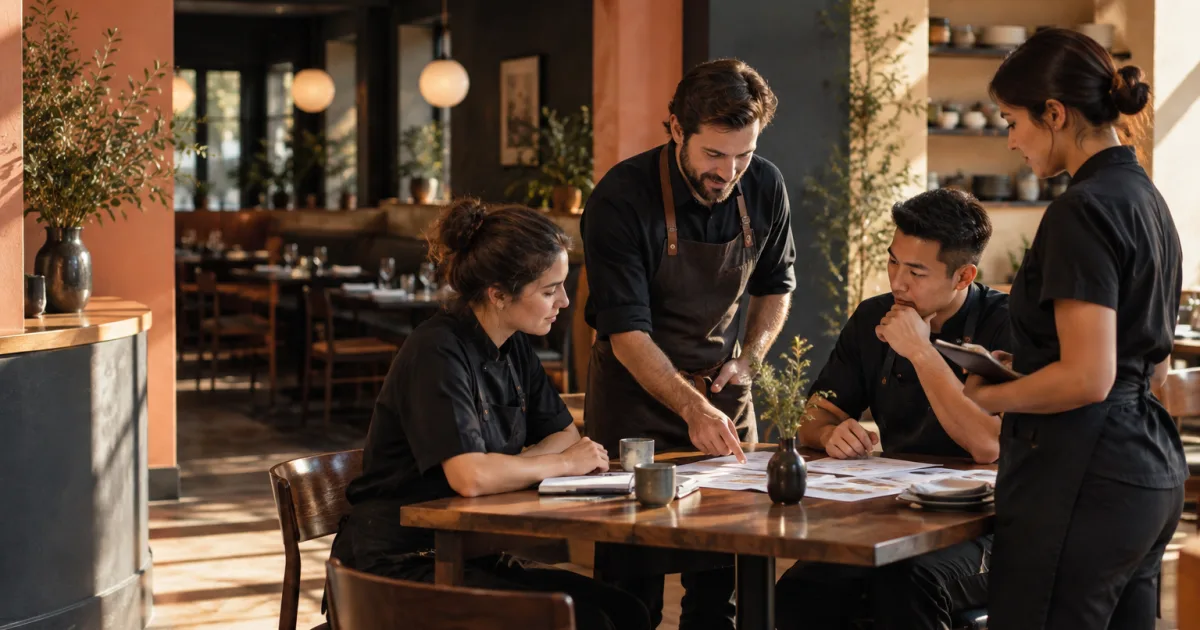
A QR menu can be accurate while the reservation view is out of date, or the reverse. For a small restaurant, those separate details affect the same service: guests need to see what they can order, and staff need a reliable picture of which tables are available. Keeping them aligned takes a simple routine, not an assumption that changing one automatically updates the other.
This workflow treats menu publishing and reservation management as related but distinct tasks. It gives each task an owner, sets a practical time for reviews, and adds a short handoff before service. The goal is to help your team spot discrepancies while there is still time to correct them.
Why menu accuracy and reservation availability need separate checks
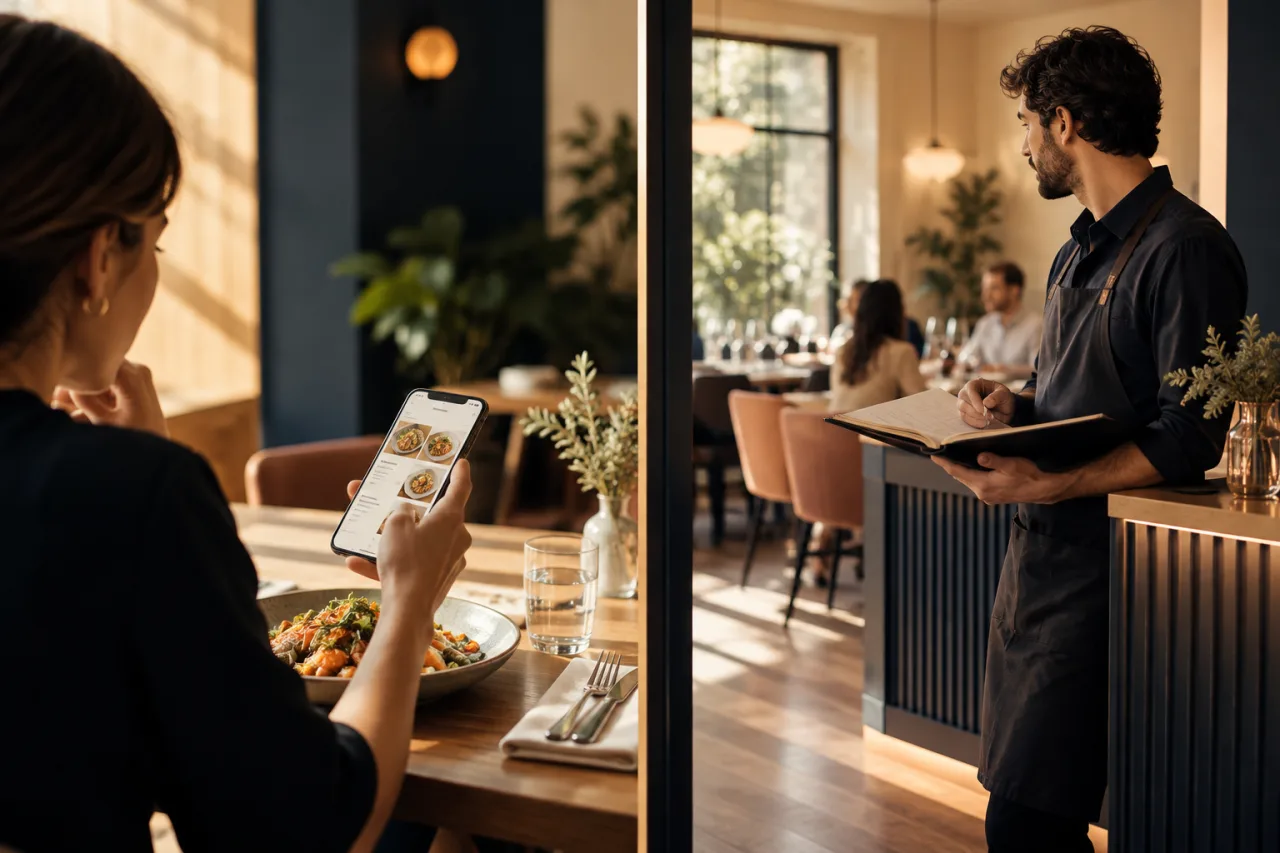
A digital menu answers questions about dishes, prices, and what is currently available to order. A reservation view helps the team manage bookings, service availability, tables, areas, and a waiting list. They are connected in the guest experience, but each describes different information and may need updates for different reasons.
For example, a dish may be unavailable even when the restaurant has plenty of open tables. A fully booked service does not necessarily mean a particular dish should disappear from the menu. If staff treat those situations as interchangeable, customers can get confusing information and the team may have to explain avoidable mismatches.
Build your process around this distinction. When a menu item changes, review the QR menu. When a booking, table plan, or service capacity changes, review reservation availability. Then use a brief shared check to confirm that both views reflect the plan for the upcoming service. Do not rely on one app to update the other unless you have confirmed that workflow yourself.
Set a clear owner and timing for menu changes
Small teams often share responsibilities, but a shared task still needs a named owner for each shift. Decide who can confirm menu changes and who is responsible for checking them in the digital menu. The person making the decision might be the owner, manager, or kitchen lead; the right choice depends on how your restaurant works.
Also decide how staff communicate a change. A kitchen lead might report that a dish is unavailable, while a manager makes or confirms the menu update. Agree on the information to pass along: the affected dish, whether it is unavailable for the whole service or temporarily, and who will confirm when it can be offered again. Avoid relying on an informal comment that may not reach the person responsible for the QR menu.
Set a regular review time that fits your operation, such as during opening preparation, and make an additional update when a meaningful change comes up. The routine should be easy enough to follow on busy days. If updates happen only when someone remembers, the menu can quickly stop reflecting what the kitchen can serve.
Review dishes, prices, and availability in the QR menu
Before service, compare the menu your team intends to offer with the digital version guests will open. Check that the dishes are present, names and descriptions are clear, prices are correct, and any known availability changes are reflected. Pay attention to limited or seasonal items that are easy to overlook when a menu has been edited in several stages.
With Suite.coffee’s QR Menu, a restaurant can publish a digital menu behind a QR code and update dishes, prices, and availability without reprinting menus. Use the menu review as a deliberate check rather than assuming that a recent change was completed. If someone else made the update, confirm the published menu shows the intended information.
Where practical, review the menu as a guest would see it on a phone. That helps catch unclear wording or a change that appears incomplete. The point is not to create a long quality-control process; it is to check the details customers rely on before they scan the code at the table.
Check service availability, tables, and the waiting list
Next, review the reservation view for the service you are about to run. Confirm that the service availability matches your plan, and review bookings and table arrangements. If you use areas or a waiting list, include those in the same check so the team starts with a shared picture rather than relying on scattered notes or memory.
Suite.coffee’s Restaurant reservations app supports receiving online bookings, controlling availability for each service, and organising tables, areas, and a waiting list. It is a separate part of the workflow from publishing the QR menu. Treat the reservation review as its own responsibility, and have the person managing bookings confirm any changes that affect the upcoming service.
Pay particular attention to changes made since the last review: a booking added or adjusted, a service that is no longer available, or a table arrangement the team needs to know about. If the view does not match what staff expect, pause and establish the correct information before relying on it to guide guest arrangements.
Use a short pre-service handoff to catch mismatches
A quick handoff connects the two checks without suggesting they are technically linked. Before service, the responsible people can confirm the menu status and reservation status aloud or in the team’s usual communication channel. Keep it focused on what has changed and what the front-of-house team needs to know.
A useful handoff might cover:
- Menu: Which dishes or prices changed, and whether any items are unavailable.
- Reservations: Whether service availability, bookings, table arrangements, areas, or the waiting list need attention.
- Guest-facing message: What staff should say if a guest asks about an unavailable item or a booking.
- Follow-up: Who will make or verify any remaining update, and when the team will check again.
For example, if the kitchen reports that a dish cannot be served tonight, the menu owner can confirm that the QR menu reflects the change. Separately, the person managing reservations can confirm the service and table plan. The handoff makes sure both tasks have been considered; it does not mean changing dish availability should change table availability.
A repeatable daily checklist for small restaurant teams
Write down the routine in a place your team can easily consult. A simple checklist reduces dependence on memory, especially when different people open, manage, and close the restaurant. Keep it short and adapt it to your service rather than adding steps that nobody has time to complete.
- Confirm the menu owner. Identify who can approve changes and who will verify them before service.
- Gather updates. Ask the relevant team members about dish, price, and availability changes.
- Review the QR menu. Check that the published dishes and details match the intended offer.
- Review reservations. Confirm service availability, bookings, and the table or area plan, including the waiting list if used.
- Share exceptions. Tell the service team what has changed and what guests may need to know.
- Assign follow-up. Give any unresolved update a clear owner and a time to check back.
Keep the checklist somewhere staff can find it before each service, and make responsibilities explicit rather than assuming that everyone has seen the latest update. A checklist records the routine and prompts the review; it does not update the menu or reservation view by itself.
Make the routine fit your service
Start with the changes that most often create confusion in your restaurant, then assign a person and a review point for each. A small café may need only one pre-service menu and booking check, while a restaurant with several services may choose to review availability for each one. The routine should reflect your actual team and schedule.
When an update happens during service, give staff a clear way to pass it to the person responsible and confirm that the relevant view has been reviewed. Keep menu availability and table availability distinct, even when the same manager oversees both. That simple separation makes it easier to know what needs attention and who should act.
Conclusion

Keeping a restaurant QR menu and table availability aligned is a coordination task, not a single update. Name owners, review the menu and reservation view separately, and use a brief handoff to share changes before service. Explore the QR Menu and Restaurant reservations apps, then define a simple update-and-review routine that fits your service.